Effects by Tags
White Model to Realistic Dining Photo
Likes
7
Views
987
 Orelon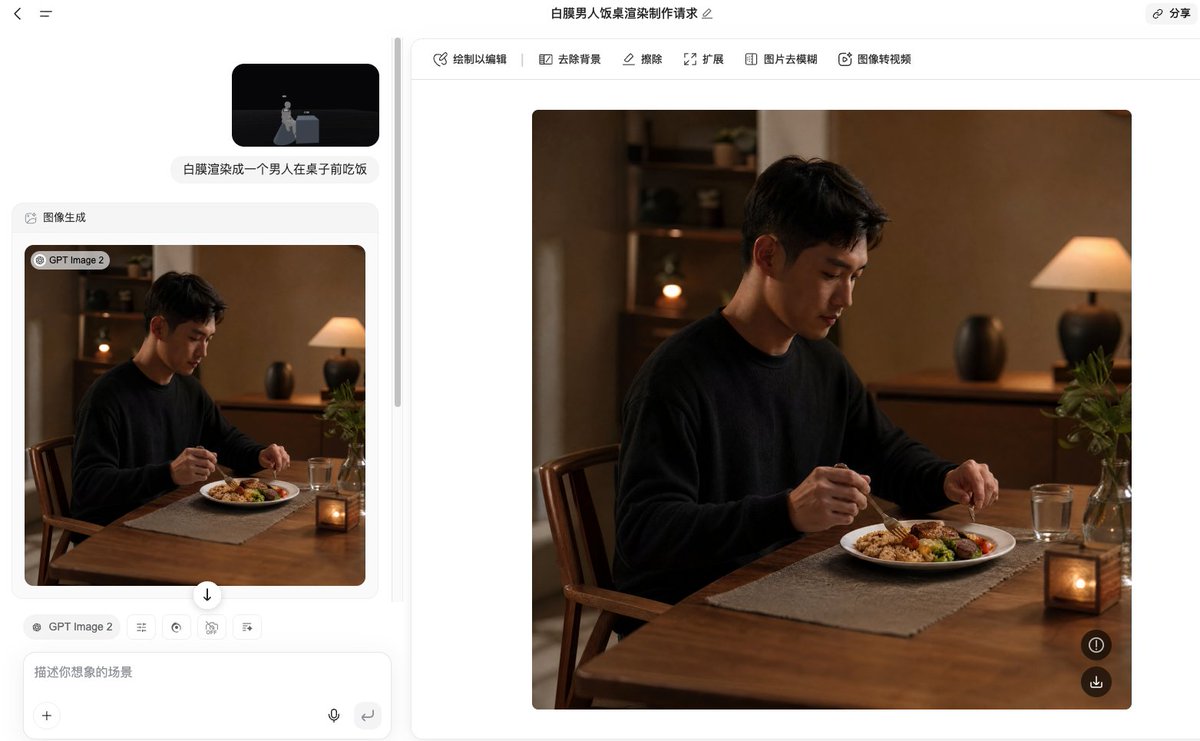
Effects by Tags
Using the provided reference image as the composition and pose guide, transform the white 3D blockout into a warm, photorealistic dining scene: a {argument name="character name" default="young East Asian man"} sits at the table in the same seated position, eating dinner with utensils. Replace the abstract cube table and mannequin with realistic furniture and a real human subject, keeping the side-facing dining posture and tabletop placement from the reference. Scene: an intimate home dining room at night with warm cinematic lighting, shallow depth of field, and a cozy natural color palette. Add exactly 7 main visible scene elements beyond the man: 1 wooden dining table, 1 wooden chair, 1 white dinner plate with a balanced meal, 1 clear drinking glass, 1 small lit candle lantern on the table, 1 glass vase with green plant stems, and 1 warm table lamp in the background. Include simple background furniture such as a wooden sideboard and shelves, softly blurred. Style: realistic lifestyle photography, medium-close framing, warm amber indoor light, soft shadows, natural skin texture, high-end editorial food photography mood. Make the subject wear a {argument name="outfit" default="plain black sweater"}. The meal should look like {argument name="meal type" default="rice, vegetables, and meat on a white plate"}. Avoid cartoon, CGI, labels, text overlays, or visible UI; produce only the final realistic image.
This is a free AI prompt from the Orelon library. Thousands more image prompts here are free to copy and adapt.
Explore more image prompts





Ready to create
Start with this curated direction in Orelon, then shape it into your next visual.