Camera Control
Ultra-Realistic Illustrated Portrait with Identity Preservation
Likes
2
Views
202
 Orelon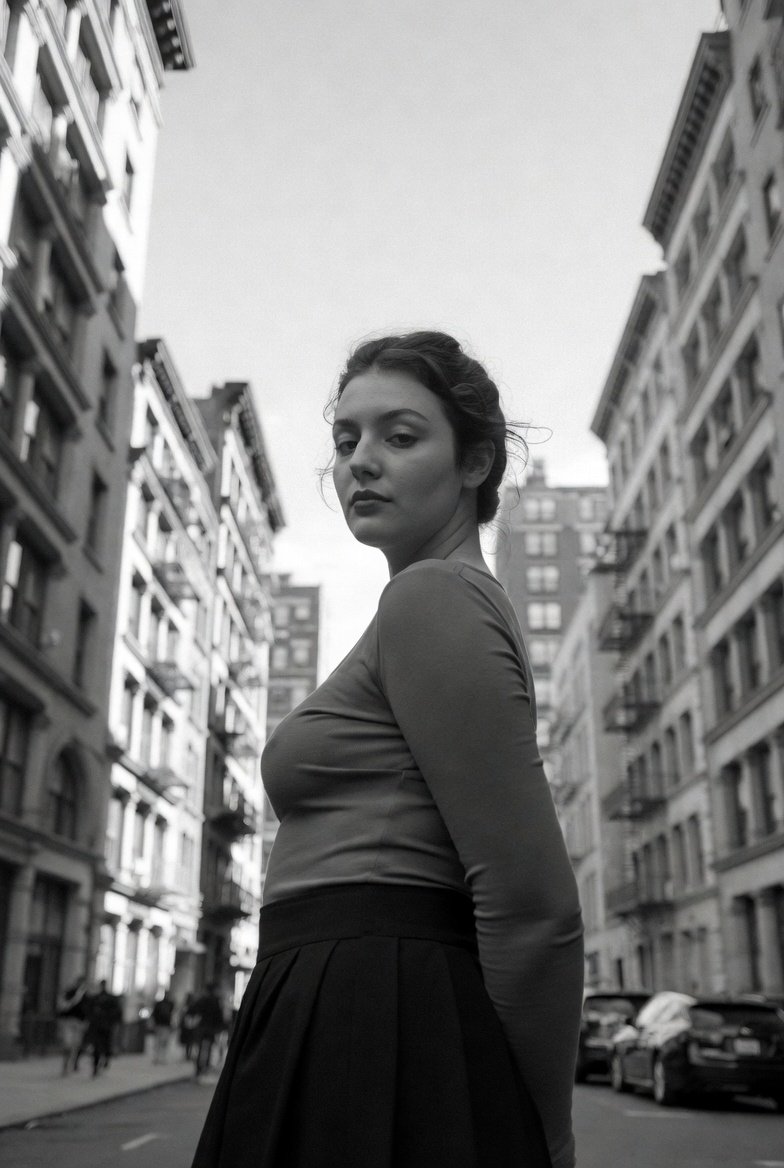
Camera Control
{ "prompt": "Use the uploaded image strictly as an identity reference. Preserve 100% exact face match, facial structure, expressions, skin tone, hairstyle, and identity of every person visible in the reference image. Do not add or remove any person. Create an ultra-realistic illustration (NOT photorealistic) with lifelike anatomy, accurate proportions, and expressive micro-details while clearly maintaining an illustrated look. Poses should be natural and composed (for example: relaxed standing, subtle turn, calm confident presence). Style the subjects in refined modern outfits with realistic fabric behavior—creases, weight, and drape—without altering facial identity. Render skin with painterly realism: smooth yet textured brushwork, natural pores suggested artistically (not photographic), accurate subsurface light feel. Lighting should be cinematic and controlled, sculpting the face and body with depth and realism while remaining illustrative. Color palette should be natural and rich—balanced skin tones, true-to-life colors with cinematic grading. Background should be minimal or softly atmospheric, painted or vector-simplified, keeping full focus on the subjects. Finish with ultra-high resolution, crisp edges, layered depth, and a museum-quality illustrated polish that is clearly artwork, not a photo.", "negative_prompt": "photorealism, camera artifacts, lens blur, depth-of-field bokeh, face mismatch, identity change, extra person, missing person, anime exaggeration, chibi, plastic skin, over-smoothing, wrong facial features, wrong skin tone, bad anatomy, extra fingers, extra limbs, noise, grain, watermark, logo, text", "style": "ultra-realistic illustration (non-photo) + subtle vector refinement", "mood": "elegant, lifelike, premium", "lighting": "cinematic painterly lighting", "background": "minimal atmospheric illustrated backdrop", "detail_level": "extreme but artistic", "render_quality": "ultra high resolution, gallery-grade finish", "composition": "same persons, refined realistic pose", "reference_strength": 0.95 }
This is a free AI prompt from the Orelon library. Thousands more image prompts here are free to copy and adapt.
Explore more image prompts





Ready to create
Start with this curated direction in Orelon, then shape it into your next visual.