Effects by Tags
Sketch to CAD-Style Line Art Conversion Prompt
Likes
35
Views
3.2K
 Orelon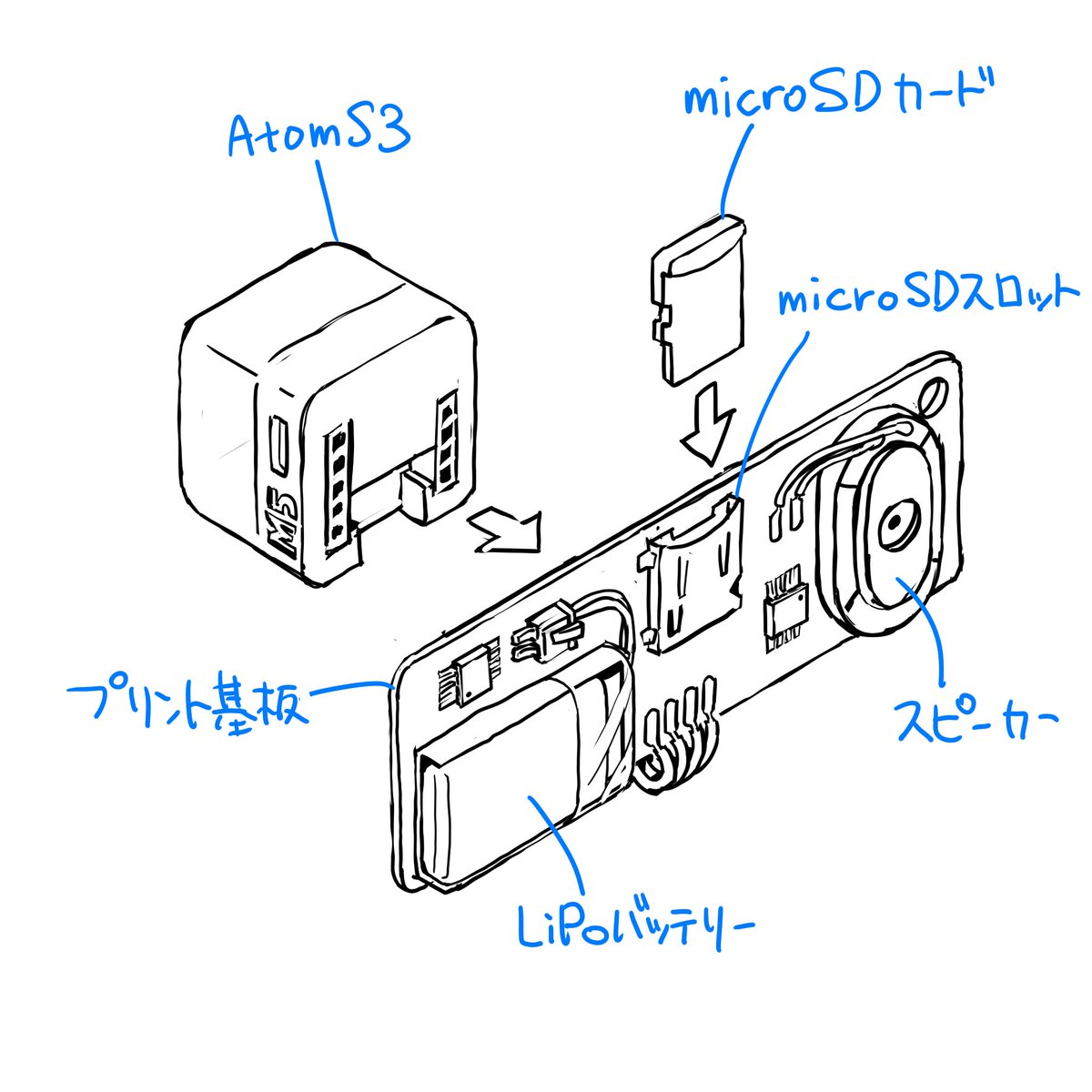
Effects by Tags
Please finalize this rough sketch and create line art. Read and refer to the blue text annotations, eliminate the ambiguity and roughness associated with handwriting, and create precise line art as if output from a CAD tool. Vary the line thickness, such as making ridge lines thicker. Delete the blue text and lines, and do not include them in the output image. Please finalize this rough sketch in the same manner.
This is a free AI prompt from the Orelon library. Thousands more image prompts here are free to copy and adapt.
Explore more image prompts





Ready to create
Start with this curated direction in Orelon, then shape it into your next visual.