Effects by Tags
Cinematic UI Mockup Task
PublishedAug 10, 2026
Original languageEN
Categories
Effects by Tagsportraitcinematicfashionadrealisticlogo_texttext_logotraveltransformationbackgroundstylizedreference
 Orelon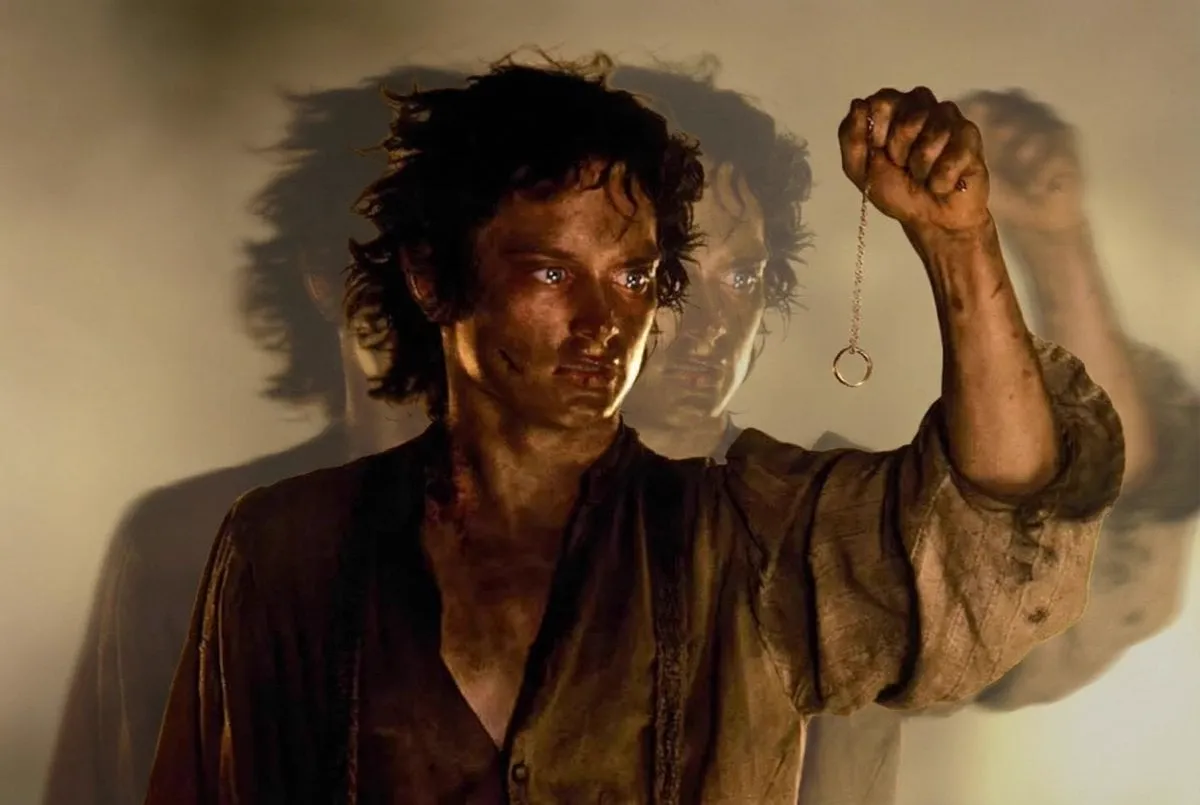
Effects by Tags
{ "task": "temporal_motion_echo_portrait_effect", "input": { "source_image": "USER_UPLOADED_IMAGE", "preserve_identity": true, "preserve_pose": true, "preserve_outfit": true, "preserve_composition": true }, "output": { "type": "single_image", "resolution": "ultra_high_resolution", "detail_preservation": "high", "ai_artifacts": "none" }, "effect_design": { "core_effect": "motion_echo_time_displacement", "echo_direction": "horizontal", "echo_behavior": { "center_subject": "sharp_and_fully_in_focus", "echo_layers": "multiple_time_offset_duplicates", "blur_progression": "increasing_blur_with_distance_from_center", "opacity_falloff": "soft_fade_outward", "alignment": "perfectly_registered_with_original_subject" }, "motion_style": { "type": "temporal_smear", "speed_feel": "slow_motion_time_stretch", "distortion": "none" } }, "visual_style": { "background": { "treatment": "smooth_minimal_gradient", "blur": "subtle", "color_continuity": "match_original_background" }, "lighting": { "preserve_original_lighting": true, "contrast": "controlled", "highlights": "soft", "shadows": "clean" }, "color": { "grade": "cinematic_muted", "saturation": "natural", "skin_tones": "accurate" } }, "restrictions": { "no_new_elements": true, "no_pose_change": true, "no_face_warping": true, "no_outfit_modification": true, "no_background_replacement": true } }






Start with this curated direction in Orelon, then shape it into your next visual.
Use this prompt