Effects by Tags
Professional Valentine’s Day Advertisement for Brand
PublishedAug 10, 2026
Original languageEN
Categories
Effects by Tagsproductfashionadholiday3drealisticlogo_texttext_logointeriorbackgroundstylizedreference
 Orelon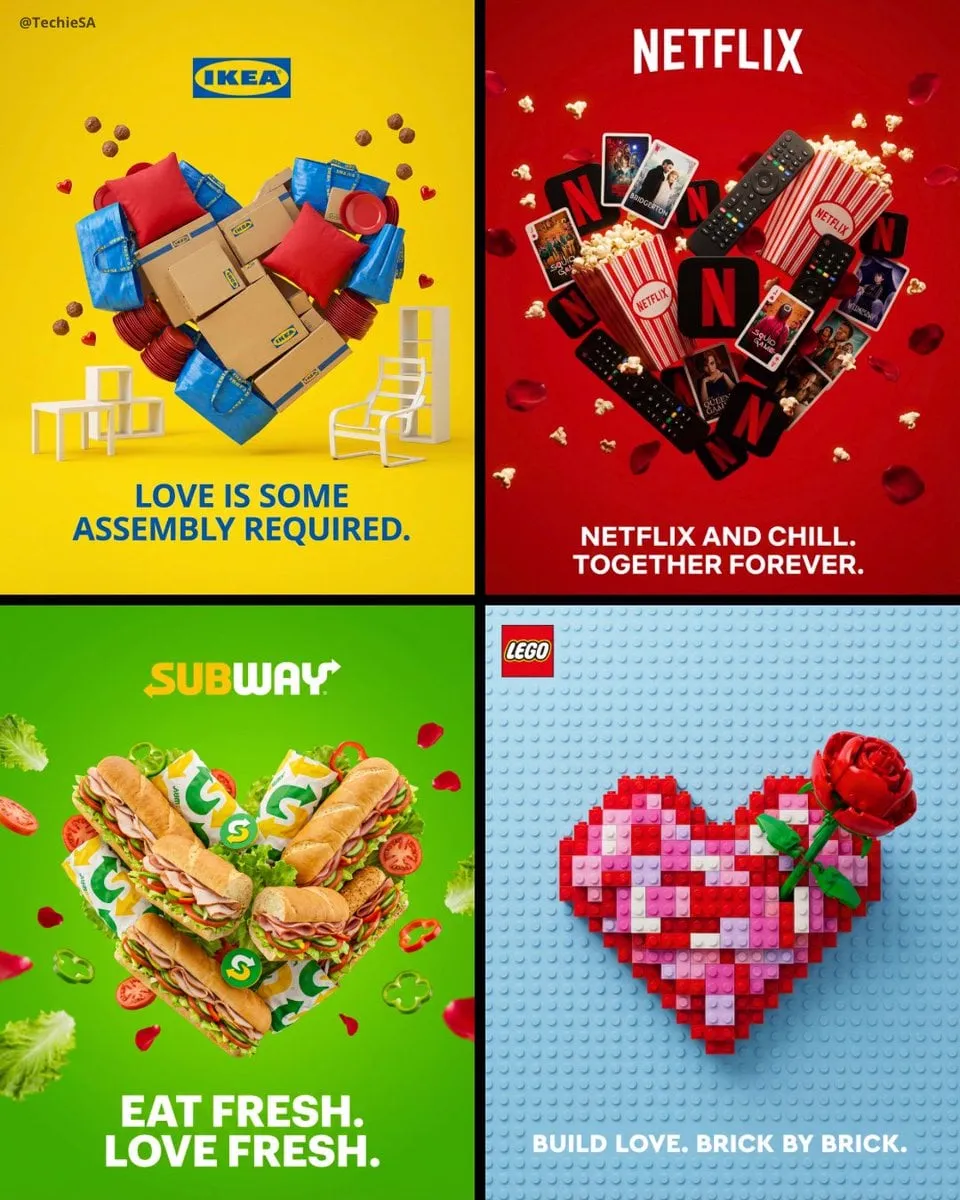
Effects by Tags
Create a professional Valentine’s Day advertisement for [BRAND] in 4:5 aspect ratio. The background should use the signature brand color as a clean, vibrant backdrop. Arrange multiple [PRODUCT] items creatively to form a perfect heart shape in the center of the composition. The products should appear realistic and three-dimensional with professional lighting and soft shadows, clearly displaying logos. Add romantic elements like rose petals or flowers floating around the heart. Position the logo at the top center of the image. At the bottom, include a romantic tagline in bold, modern typography that incorporates the brand’s messaging or plays on the product name. Use photorealistic 3D rendering style with studio lighting and premium advertising quality. Maintain a clean, modern aesthetic that matches the visual identity with significant breathing room around all elements.






Start with this curated direction in Orelon, then shape it into your next visual.
Use this prompt