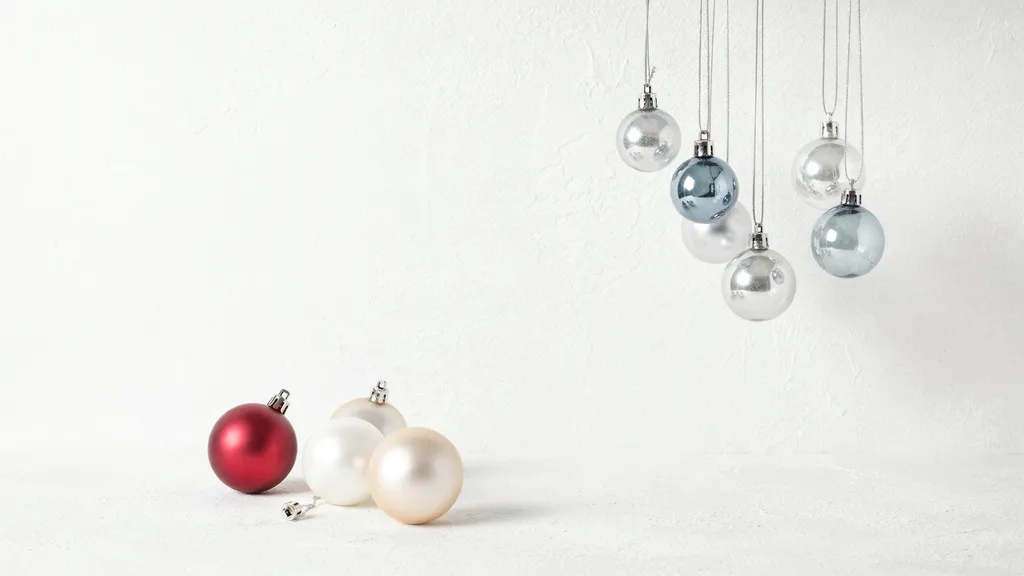
Create a premium photorealistic Christmas stock background in landscape 16:9 format using only Christmas ball ornaments placed in two independent diagonal corner clusters: upper-right and lower-left. Use a dominant Snowy White background, target hex #F4F6F5, with a very fine plaster-like matte finish and restrained tonal variation. The upper-right cluster should contain four small-to-medium frosted translucent silver and icy-blue glass ornaments suspended from the top-right boundary at staggered heights. The lower-left cluster should contain three larger matte cranberry, pearl-white, and pale champagne ornaments resting naturally on the surface in an open triangular formation. Do not connect the two groups. Keep the central 65–75% of the image visually empty, including the entire middle band and opposite corners. All reflections, cords, and shadows must remain within their respective decorative zones. Use substantially different scale distribution between the two clusters, with delicate hanging forms above and heavier grounded forms below. A subtle overhead camera angle should preserve clear spherical geometry while showing realistic contact points. Illuminate with broad soft light from the upper-left, allowing restrained highlights across frosted glass and gentle shadows beneath the lower-left group. Include realistic metal caps, fine loops, glass thickness, slight manufacturing imperfections, and believable surface reflections. Maintain crisp material detail, clean object boundaries, and physically plausible forms. No text, typography, logos, branding, watermarks, people, hands, unrelated decorations, distorted ornaments, excessive glitter, harsh glare, lens flare, floating objects, clutter, collage, contact sheet, or split-screen.