
Chibi Knight Attack Sprite Sheet
Generates a 16-frame pixel-art attack animation sprite sheet on a green screen for game or GIF creation.
J’aime
0
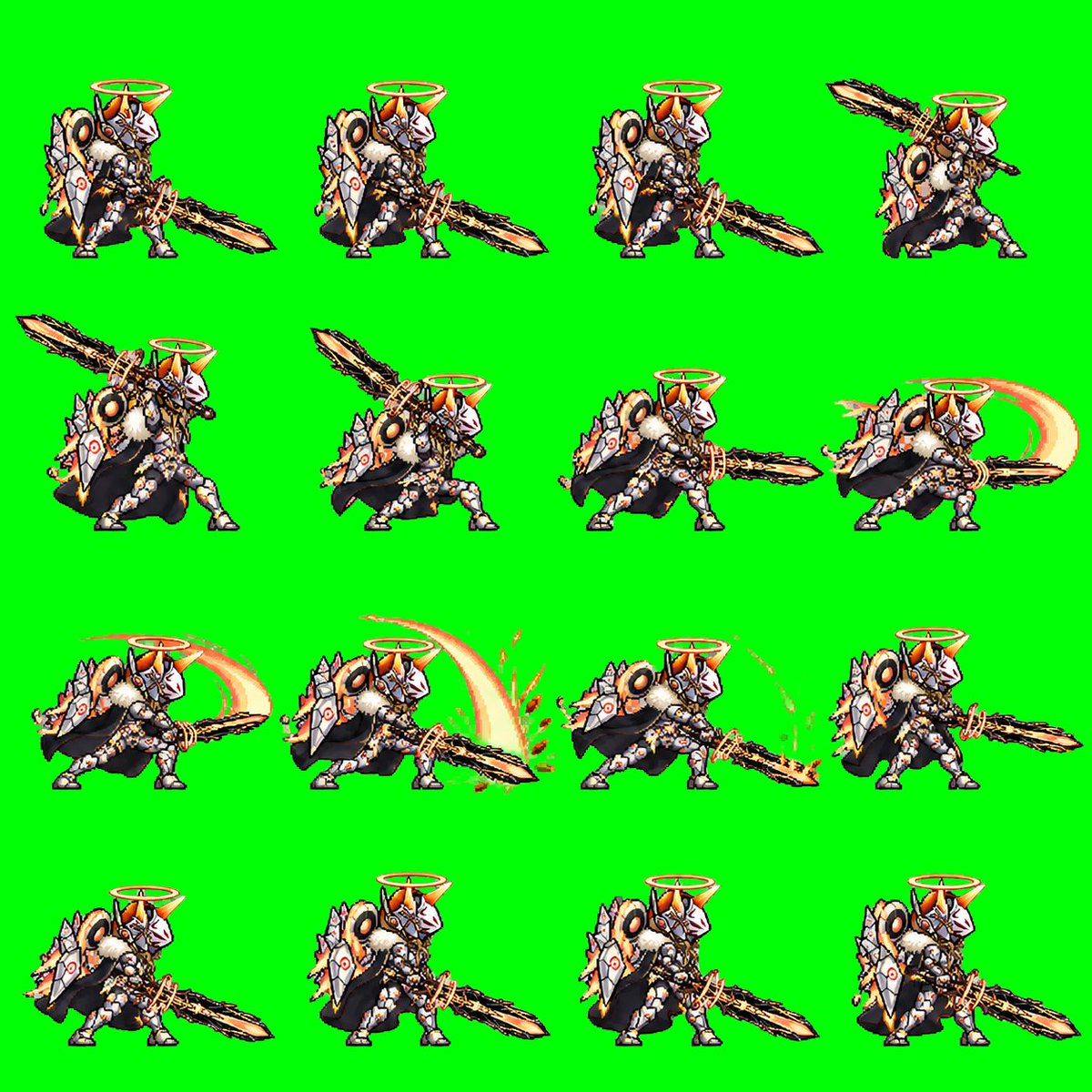
Generates a 16-frame pixel-art attack animation sprite sheet on a green screen for game or GIF creation.
Goal: Create a pixel-art 2D game sprite sheet for an animated attack sequence featuring {argument name="character name" default="Quorila Ketel"}, a chibi armored holy beast-knight with a huge jagged sword. Canvas: Square 1:1 image, bright solid chroma-key green background (#00ff00), no transparency, no border, no text. Arrange the sprites in an evenly spaced 4-by-4 grid for exactly 16 discrete animation frames. Subject details: The character is a compact fantasy creature-warrior facing mostly right, with white and silver segmented armor, orange-gold accents, black cape or dark fur mass behind the body, large round shoulder details, spiked shield-like armor plates, small sturdy legs, and an orange glowing halo ring floating above the helmet. The helmet has a white faceplate, orange horn-like crest, and ornate mechanical/angelic details. The weapon is a massive rough-edged black-and-gold sword, almost as long as the character, held low or swung in broad arcs. Use crisp retro pixel art with heavy black outlines, detailed dithering, high contrast, and a JRPG / mobile game battle sprite style. Layout and frame count: Use exactly 16 frames, arranged left to right, top to bottom. Each frame shows the same character at the same scale with enough spacing so frames do not touch. Frame descriptions: 1. Idle ready stance, sword angled down to the right, character standing compactly. 2. Ready stance with the sword extended farther forward and low to the right. 3. Similar forward-ready pose, body leaning slightly, sword low and long to the right. 4. Wind-up pose, sword lifted high behind and above the character toward the upper right. 5. Strong wind-up, sword raised diagonally up-left, body crouched and preparing to strike. 6. Mid wind-up, sword crossing above the shoulder, character crouched lower. 7. Horizontal attack start, sword thrusting straight to the right, body leaning forward. 8. First slash follow-through, add a pale orange crescent motion trail behind the sword on the right. 9. Wide slash continuation, large orange arc sweeping behind the character and sword. 10. Peak slash impact, large bright crescent arc above and behind the blade with small orange debris or sparks near the ground. 11. Low follow-through, sword dragging or sweeping along the ground to the right with orange dust, sparks, and curved particles. 12. Recovery pose, character pulling the sword back in front, no large arc. 13. Return-to-idle frame with sword low and character settling. 14. Idle stance with sword down-right, close to the initial pose. 15. Idle stance with slight breathing variation, halo steady above helmet. 16. Final idle frame, sword down-right and character fully reset. Visual style: Low-resolution pixel sprite aesthetic, sharp edges, no antialiasing blur, detailed armor highlights, warm orange glow on halo and slash effects, black shadow shapes under the cape/body, consistent scale and perspective across all frames. Constraints: Do not add labels, frame numbers, UI, watermark, or background scenery. Keep the background pure green for chroma keying. The image must read as a usable sprite sheet for a GIF or game animation.
Ceci est un prompt IA gratuit issu de la bibliothèque Orelon. Des milliers d’autres prompts image sont disponibles ici, à copier et adapter librement.
Explorer d’autres prompts image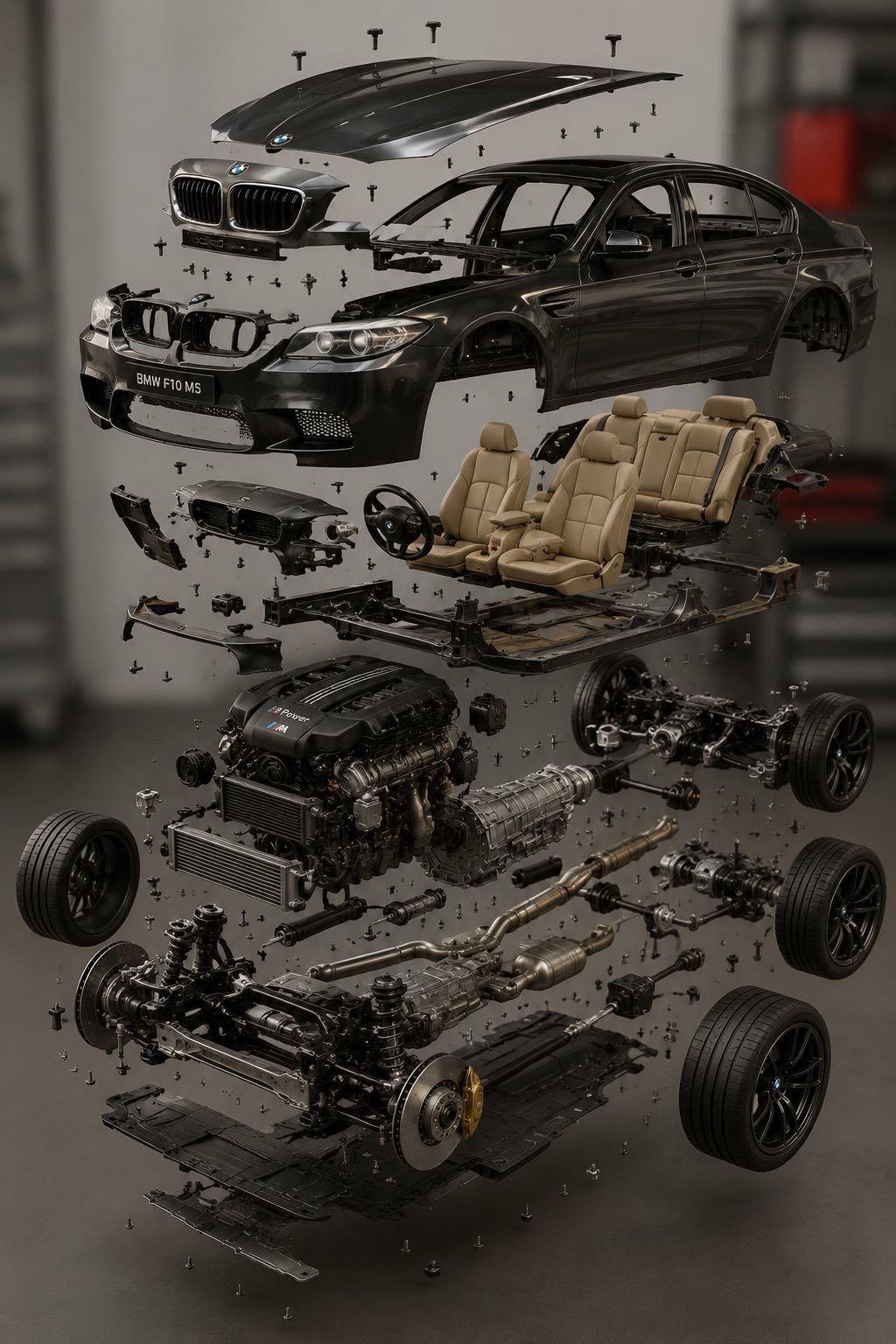
width: 1176 · aspect: 2:3 · height: 1764
Lire le prompt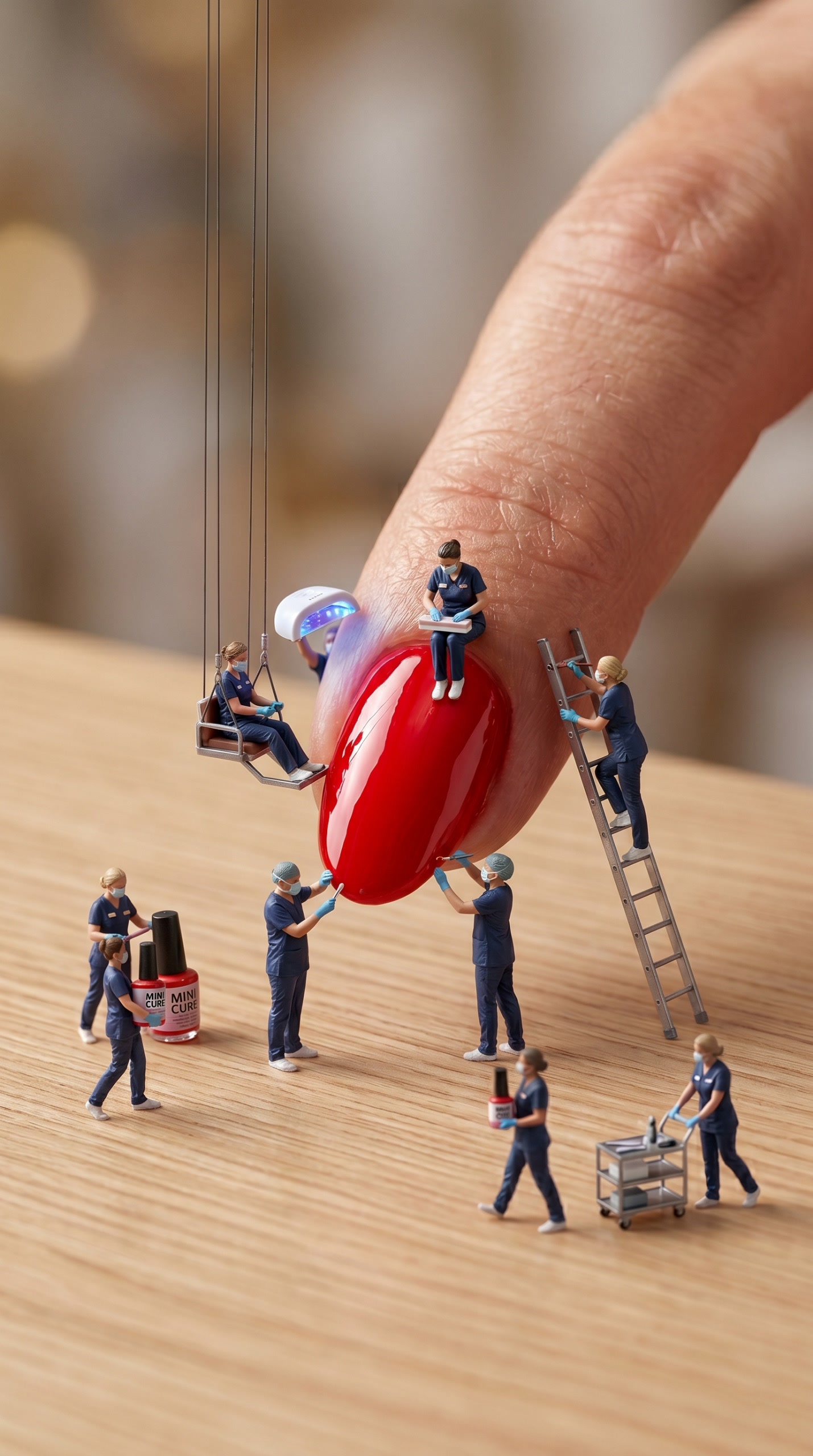
width: 716 · aspect: 179:321 · height: 1284
Lire le prompt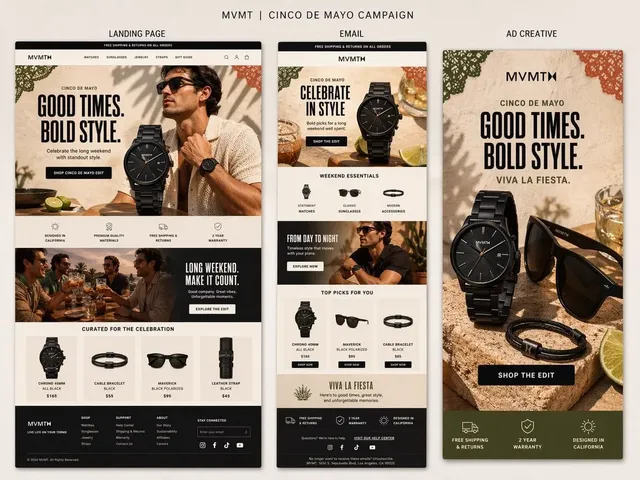
Prêt à créer
Partez de cette direction sélectionnée dans Orelon, puis façonnez-la pour votre prochain visuel.