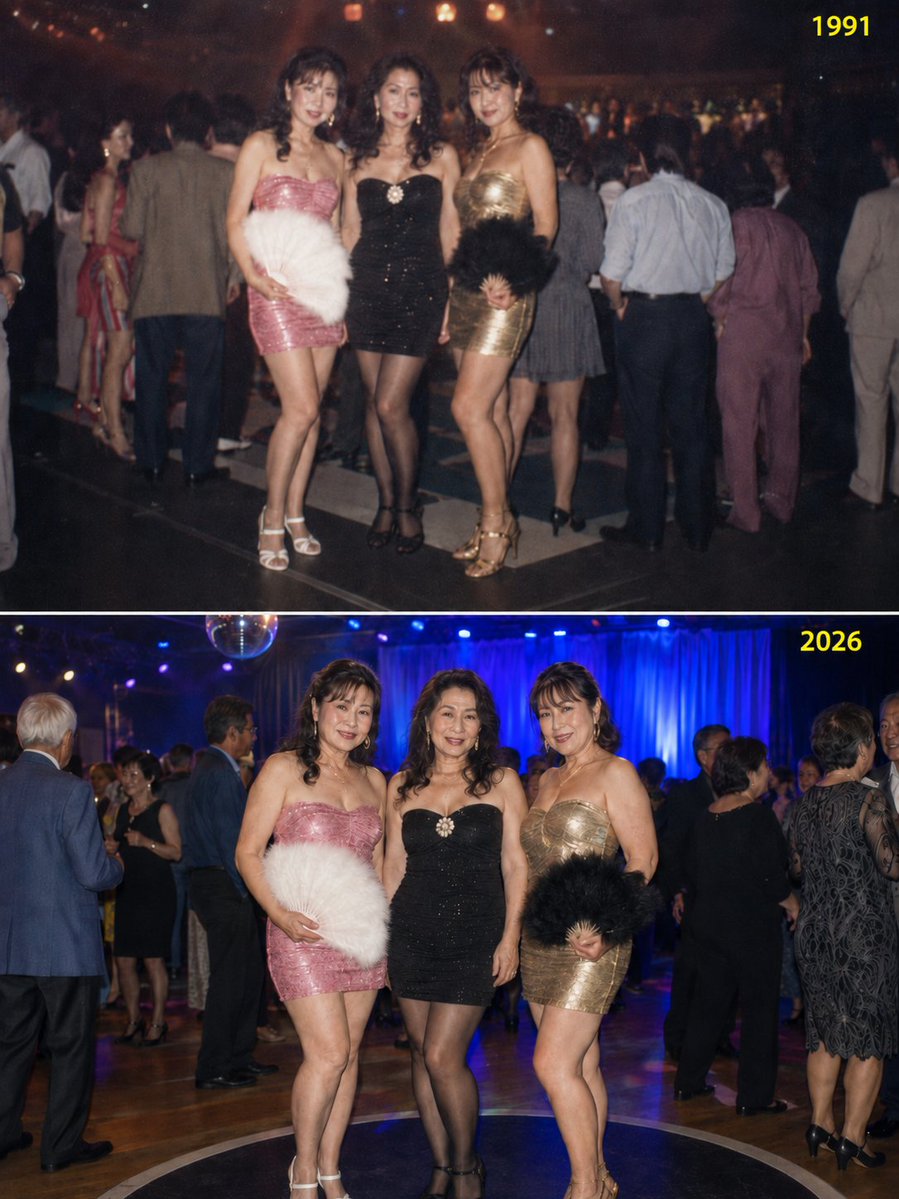
A snapshot of three beautiful friends (each around 165cm tall) who were dancing on a disco 'podium' at age {argument name="starting age" default="25"} in {argument name="starting year" default="1991"}, reuniting 35 years later in 2026 at a 'Classic Night' pop-up disco as 60-year-olds.
The generated image should have a 3:4 vertical aspect ratio. Compose it into a single PNG file split into upper and lower halves, with the top representing 1991 and the bottom representing 2026.
Clearly write '1991' in the upper right of the top half and '2026' in the upper right of the bottom half in a highly visible color (such as yellow or lime green) that stands out from the background.
[Important Points]
The outfits of the three women (bodycon dresses and high heels) and accessories like feather fans must be completely identical between 1991 and 2026.
While each of the three women wears a different colored and designed bodycon dress, each individual must wear the exact same outfit in both the 1991 and 2026 versions.
In the 1991 image, depict them all as youthful 25-year-olds; in the 2026 image, depict them all as 60-year-olds who have become fuller in figure.
The photo should be a standing snapshot, not an action shot of them dancing on the podium.
The poses of the three women should be almost identical in both 1991 and 2026.
The background stage design should differ between 1991 and 2026, and the other people dancing around them should also be different, conveying a sense of 35 years having passed.
The 1991 image should have a slightly blurred focus and an atmosphere like an old, aged film photograph.