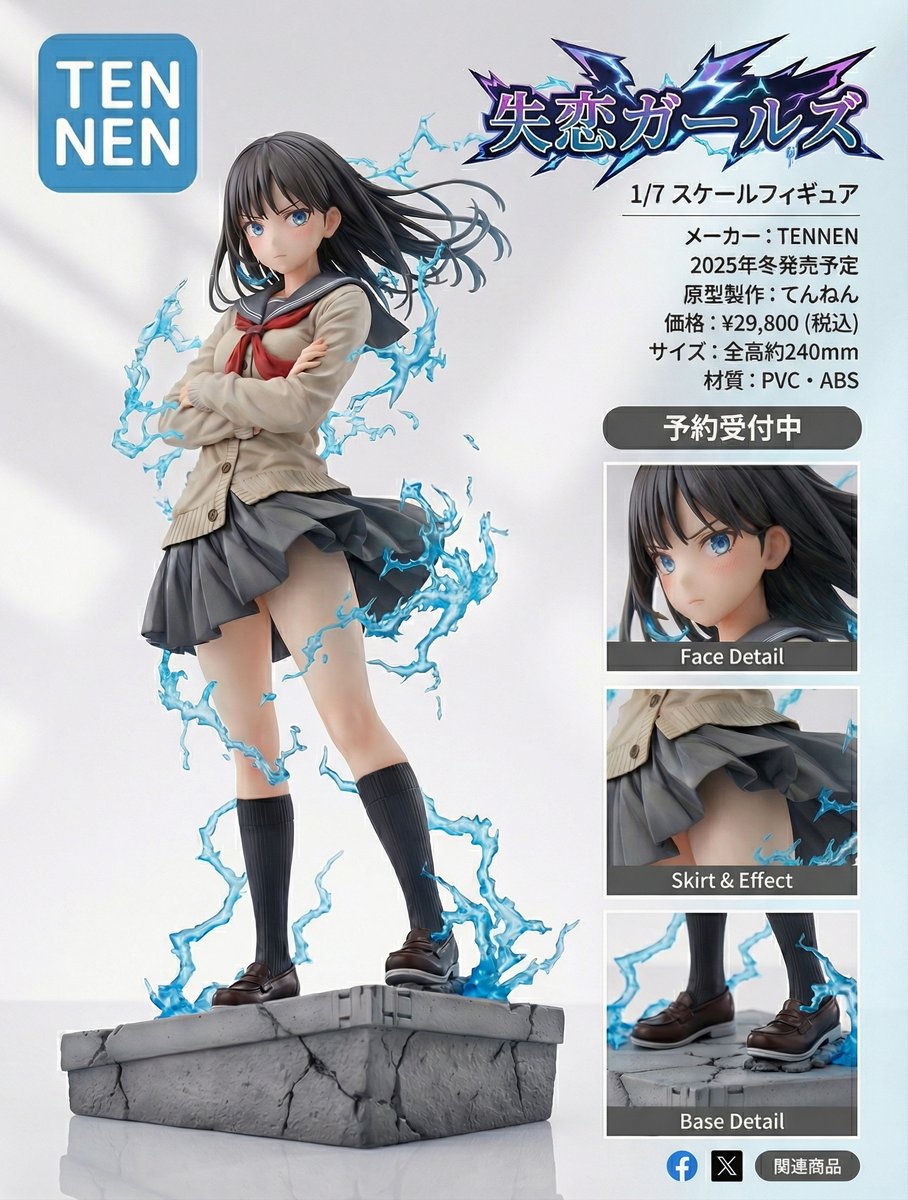
Turn this image into an ultra-detailed figure-style rendering and design a product introduction page.
The product name is “{argument name="product_name_en" default="Heartbreak Girls"}”.
It is a 1/{argument name="scale_en" default="7"} scale figure.
The manufacturer name is “{argument name="manufacturer_en" default="TENNEN"}”.
The logo should be the word {argument name="logo_text_en" default="TENNEN"} inside a rounded blue square. Break the line after “{argument name="logo_top_en" default="TEN"}”, and align the next line “{argument name="logo_bottom_en" default="NEN"}” at the start of the line, placing it as large as possible within the rounded blue square.
Place zoomed-in detail views, etc., so that it looks like a product introduction and has a professional, visually appealing design.
Also make the “{argument name="product_name_en_again" default="Heartbreak Girls"}” lettering look like a logo.
Make it look like a proper product introduction page.
Scheduled for release in {argument name="release_season_en" default="Winter 2025"}.
Prototype sculptor: {argument name="sculptor_name_en" default="Tennen"}.