
Effects by Tags
Chinese Museum Deconstruction Infographic
点赞
1
浏览
129
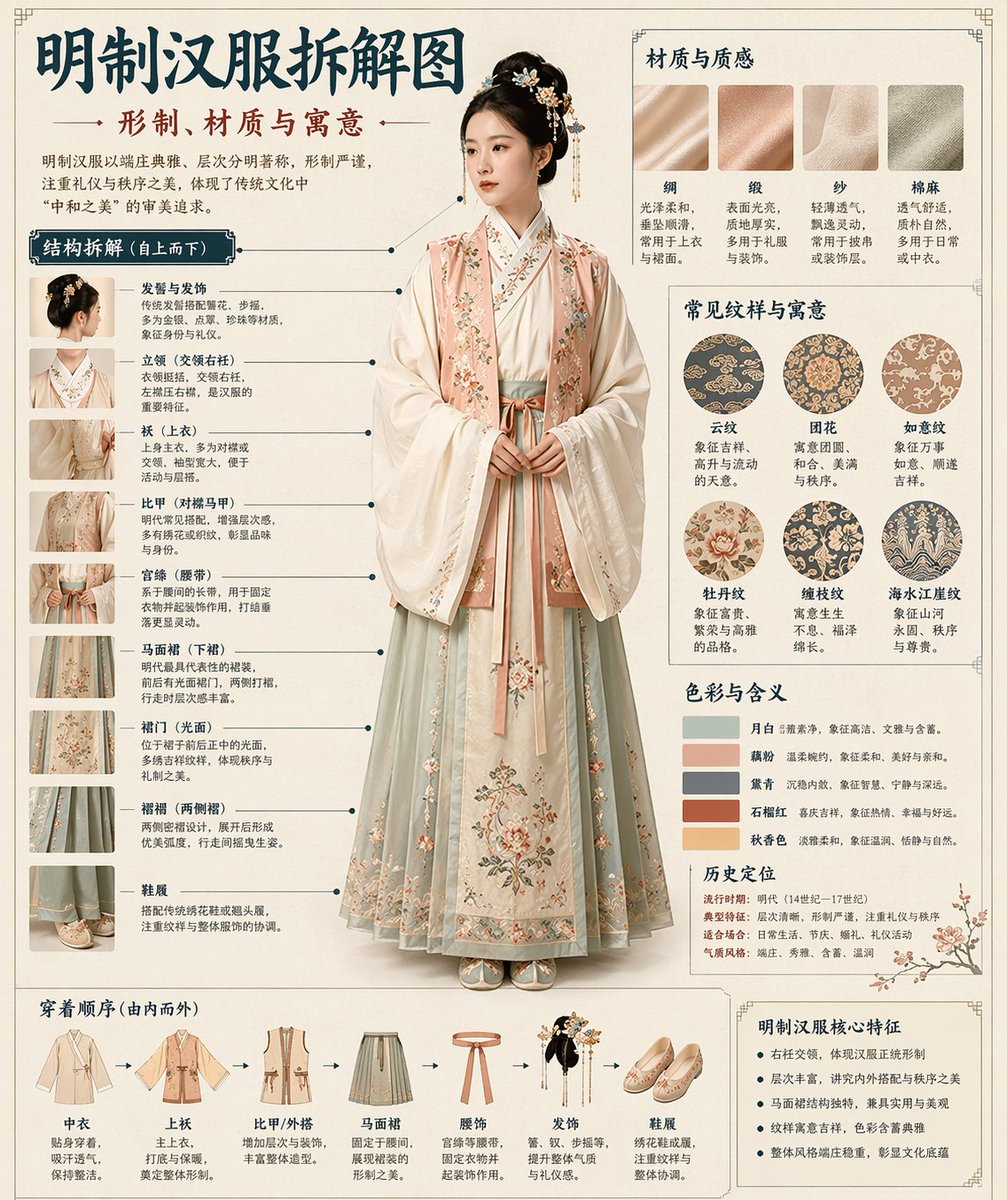
Effects by Tags
Automatically generate a museum-encyclopedia-style Chinese deconstruction infographic from the {argument name="theme" default="[theme]"} I provide. Combine a realistic central visual with structural breakdown, Chinese leader-line callouts, material notes, pattern symbolism, color meaning, and a core-feature summary. From the theme alone, infer the most fitting subject, costume system, object structure, historical era, key components, materials and craftsmanship, color palette, and overall layout. No extra input required from me. Overall aesthetic: National Museum exhibition board, historical costume encyclopedia, scholarly subject infographic. Not a poster, ancient-style portrait, e-commerce detail page, or anime illustration. Background uses paper textures, off-white, silk-paper white, or light tea-color, with a premium, restrained, collectible feel. Fixed layout: - Top: Chinese main title + subtitle + short intro - Left: structural deconstruction area, Chinese leader-line annotations on key components, with partial close-ups - Top right: materials / craft / texture area, real texture swatches with descriptions - Middle right: pattern / color / symbolism area, main color palette, pattern samples, cultural notes - Bottom: dressing order / assembly flowchart + summary of core features If the theme suits a human subject, use a realistic full-body standing figure as the centerpiece. If it suits an object or single structure, switch to a central deconstruction diagram, but keep the overall infographic format intact. All text in Simplified Chinese, clear, neat, readable, no garbled glyphs, typos, English, or pinyin. Emphasize realistic structure, material contrast, cultural commentary, and an encyclopedic feel. Avoid: poster vibe, studio-photo vibe, e-commerce vibe, anime vibe, cosplay vibe, messy annotations, wrong structure, blurry text, fake materials, excessive decoration.
这是 Orelon 提示词库里的一条免费 AI 提示词。这里还有成千上万条图像提示词,都能免费复制和改用。
探索更多图像提示词





准备好就开始
从这条精选创作方向开始,在 Orelon 中塑造你的下一张视觉作品。