
UGC / Ad Templates
Cosplay Prompt Gallery Screenshot
点赞
22
浏览
1558
UGC / Ad Templates
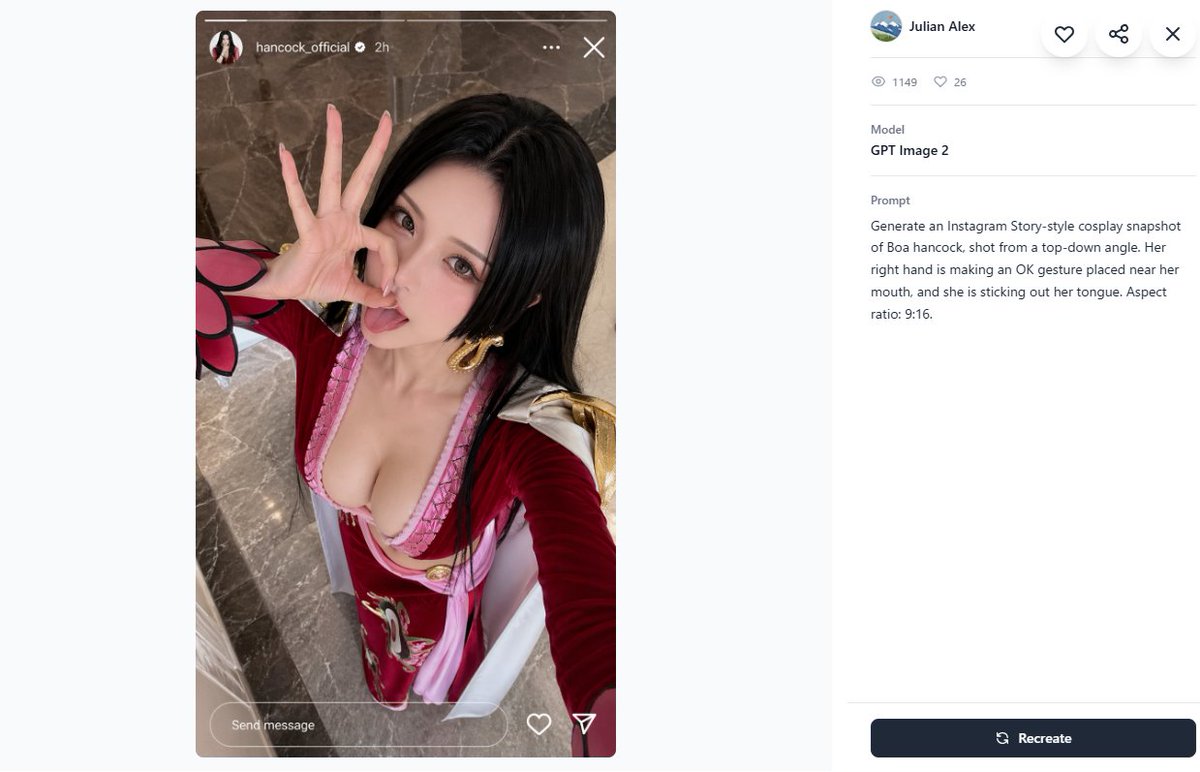
Create a 16:9 desktop webpage screenshot of a prompt-gallery detail page showing one generated image on the left and its metadata on the right. The left side contains a tall Instagram Story-style cosplay snapshot mockup in a rounded rectangle, aspect ratio 9:16, with a realistic top-down selfie of {argument name="character name" default="Boa Hancock"} cosplay. The cosplayer is an adult woman with long straight {argument name="hair color" default="black"} hair, wearing a red and pink anime-inspired outfit with a low neckline, gold hoop earrings, white shoulder accents, and red sleeves with a pink-and-black petal-like cuff detail. Her face is intentionally obscured by a square blur/pixelated censor block, but her right hand is clearly making an OK gesture near her mouth and she appears to be sticking out her tongue behind the blur. Camera angle is high above, like a phone selfie, with polished gray-brown marble flooring in the background. Add Instagram Story UI overlays: a thin progress bar across the top, a small circular profile photo, username {argument name="Instagram username" default="hancock_official"}, a verified check, “2h”, three-dot menu, and an X close icon; at the bottom include a rounded “Send message” field plus heart and paper-plane icons. The right panel is a clean white gallery interface with a small circular avatar, the name {argument name="creator name" default="Julian Alex"}, floating circular action buttons for heart, share, and close, a stats row with exactly 2 items: an eye icon with “1149” and a heart icon with “26”, a Model section reading “GPT Image 2”, and a Prompt section containing the exact text: {argument name="visible prompt text" default="Generate an Instagram Story-style cosplay snapshot of Boa hancock, shot from a top-down angle. Her right hand is making an OK gesture placed near her mouth, and she is sticking out her tongue. Aspect ratio: 9:16."}. At the bottom right place a dark navy rounded “Recreate” button with a refresh icon. Use lots of white space, soft gray dividers, modern minimal UI styling, and make the screenshot look like a real browser/app capture rather than a polished poster.
这是 Orelon 提示词库里的一条免费 AI 提示词。这里还有成千上万条图像提示词,都能免费复制和改用。
探索更多图像提示词





准备好就开始
从这条精选创作方向开始,在 Orelon 中塑造你的下一张视觉作品。