
Visual Effects
Anime Split-Screen Sword Confrontation
点赞
1
浏览
294
Visual Effects
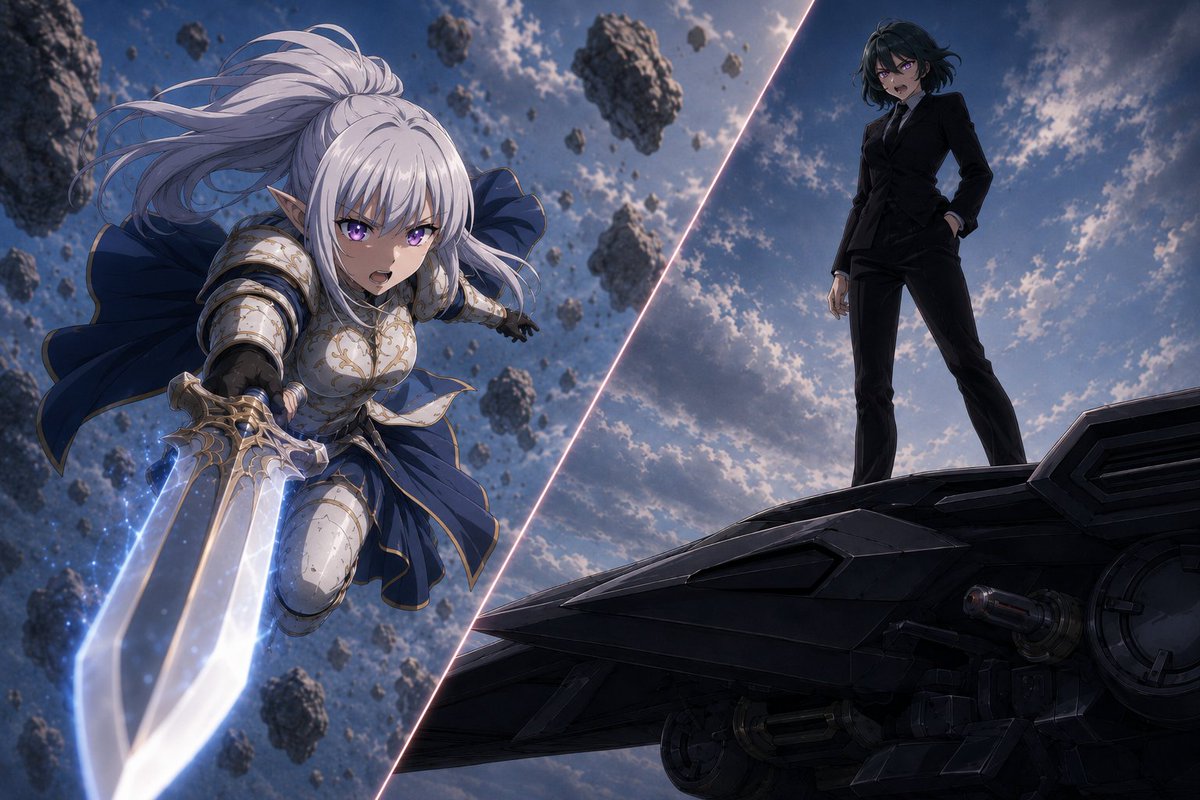
Create a dramatic anime-style split-screen confrontation illustration. The canvas is a wide 3:2 cinematic frame, divided by one glowing diagonal slash of pale pink-white light running from near the lower center to the upper right, separating two opposing scenes. On the left side, show {argument name="warrior character" default="a white-haired elf-like female knight"} lunging forward through the air in a dynamic foreshortened pose, face obscured by a soft square blur, with long flowing silver-white hair, pointed ears, ornate white and gold plate armor, dark underlayers, and a deep navy cape billowing behind her. She grips one oversized fantasy sword with both hands, thrusting it toward the viewer; the sword has a broad translucent glowing blade with blue-white energy, sparkling particles, and metallic gold detailing on the hilt. Surround her with many floating asteroid fragments of varying sizes in a stormy sky, emphasizing motion and impact. On the right side, show {argument name="rival character" default="a dark-haired woman in a black tailored suit"} standing confidently on the edge of a large black futuristic aircraft or spaceship hull, face also obscured by a soft square blur, one hand in her pocket and the other relaxed at her side, legs apart in a dominant stance. The spaceship surface should be angular, matte black, industrial, and highly detailed with panels, vents, circular mechanisms, and underside machinery visible. The background on both sides is a moody blue-gray sky with scattered clouds, backlit sunlight, and a cinematic high-contrast atmosphere. Use an AI-anime illustration look with polished digital painting, detailed armor highlights, dramatic lighting, depth of field, motion blur, and epic fantasy-versus-sci-fi mood. Visible count: 2 main characters, 1 glowing diagonal divider, 1 giant glowing sword, 1 large spaceship platform, and numerous floating rock fragments; do not add text, logos, captions, borders, or extra characters.
这是 Orelon 提示词库里的一条免费 AI 提示词。这里还有成千上万条图像提示词,都能免费复制和改用。
探索更多图像提示词


准备好就开始
从这条精选创作方向开始,在 Orelon 中塑造你的下一张视觉作品。