
Commercial
CAVN GPT Image 2 Launch Poster
浏览
36
Commercial
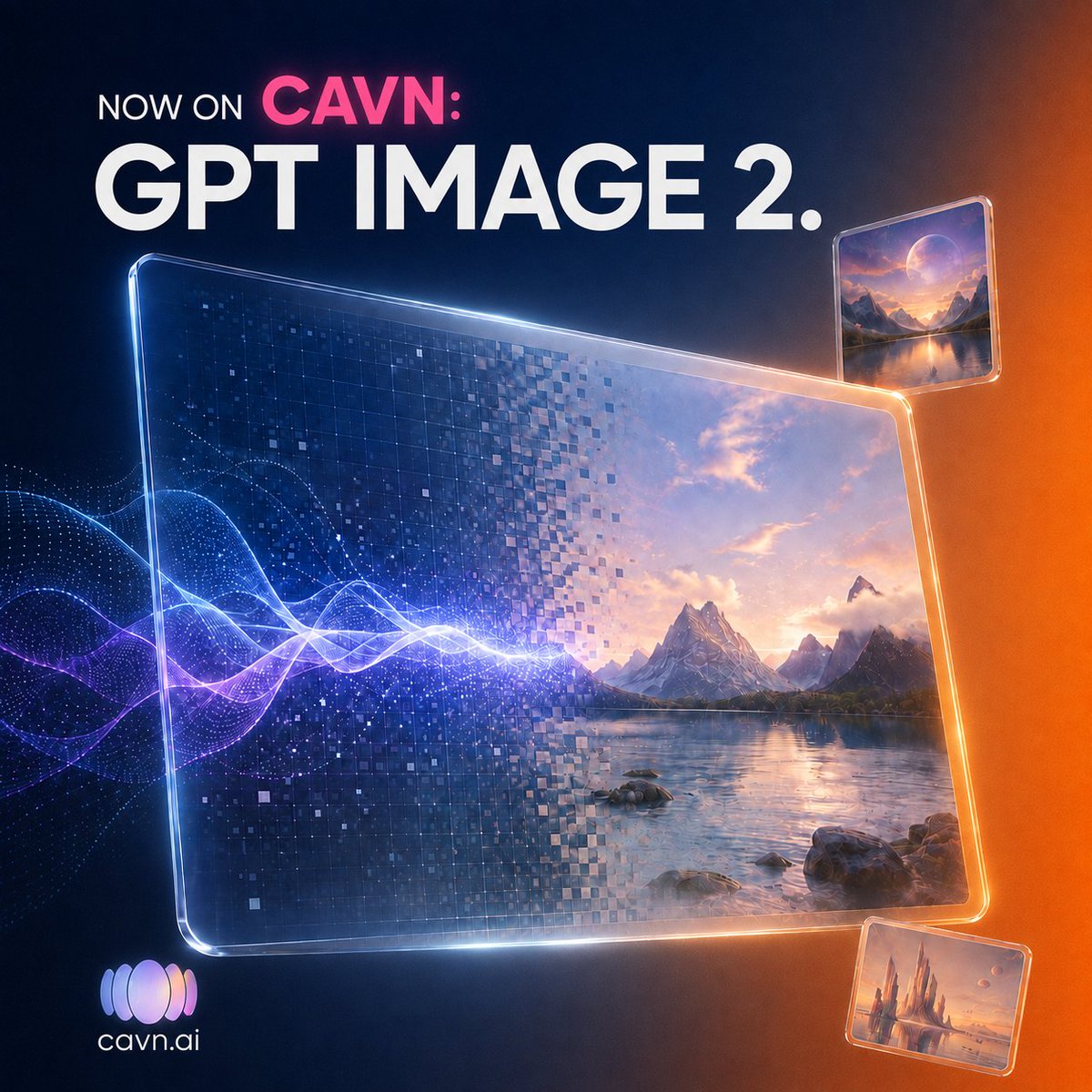
Create a square 1:1 futuristic promotional graphic for {argument name="platform name" default="CAVN"} announcing {argument name="product name" default="GPT IMAGE 2."}. Use a dark navy-to-black background with a warm orange glow on the right edge and subtle blue light on the left. At the top left, place bold uppercase text in three parts: small white “NOW ON”, bright pink “CAVN:” on the same line, and a huge white headline “GPT IMAGE 2.” beneath it in a clean geometric sans-serif font. The central focus is one large tilted transparent glass screen with rounded corners and glowing beveled edges, spanning most of the lower center. Inside this main screen, show a split AI-generation effect: the left half is dark blue digital pixels and square mosaic fragments, while the right half resolves into a cinematic fantasy landscape with mountains, a calm lake, rocks, clouds, and sunset light. A bright electric audio waveform made of luminous blue, white, and purple curves enters from the left and passes through the main screen, suggesting music becoming imagery. Add exactly 3 glass image panels: 1 large central landscape panel, 1 smaller floating rounded-rectangle panel near the upper right showing a moonlit mountain lake scene, and 1 smaller floating rounded-rectangle panel near the lower right showing a warm fantasy castle or spire landscape. All panels should have glossy transparent edges, reflections, and orange-blue rim lighting. In the bottom left, include a small gradient audio-wave logo icon with the white text {argument name="website text" default="cavn.ai"}. Visual style: premium tech launch poster, high-detail 3D glassmorphism, cinematic lighting, sharp typography, glowing particles, digital mosaic squares, polished album-art promotional aesthetic. Constraints: keep the composition uncluttered, use only the visible text “NOW ON CAVN:”, “GPT IMAGE 2.”, and “cavn.ai”, no extra copy, no watermark.
这是 Orelon 提示词库里的一条免费 AI 提示词。这里还有成千上万条图像提示词,都能免费复制和改用。
探索更多图像提示词




准备好就开始
从这条精选创作方向开始,在 Orelon 中塑造你的下一张视觉作品。