
Camera Control
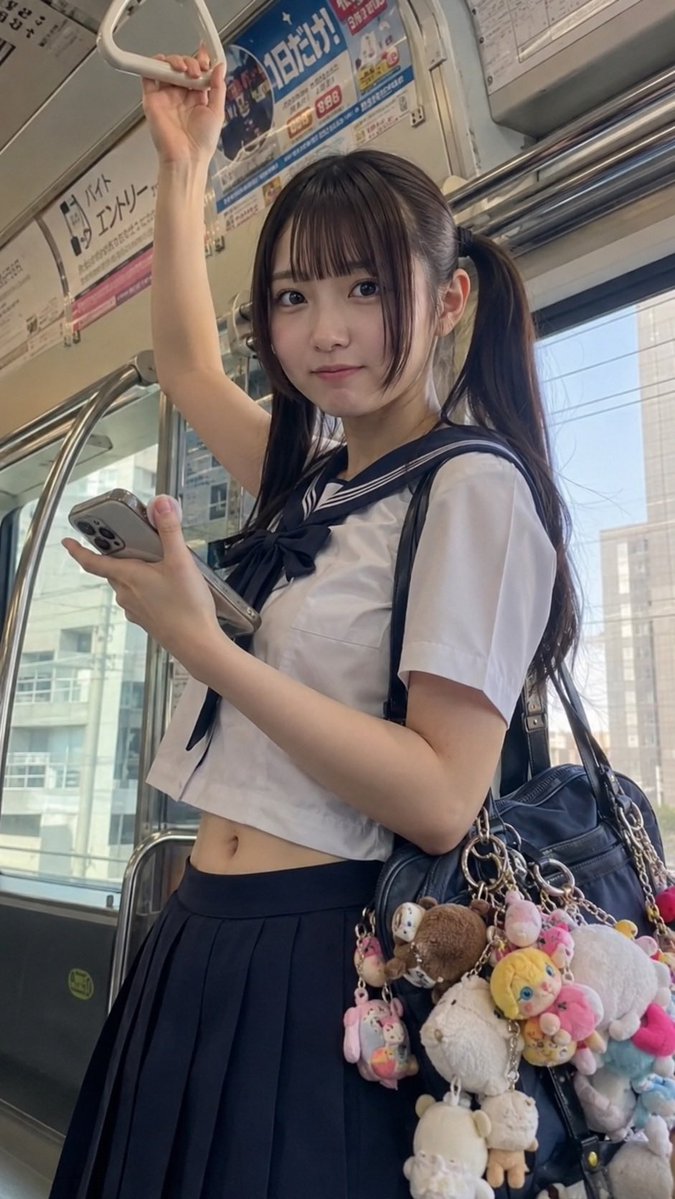
Tokyo Train Schoolgirl Portrait
点赞
2
浏览
76
Camera Control
Create a photorealistic vertical smartphone photo of a cute Japanese high school girl standing inside a modern Tokyo train during daytime. She is centered in a candid three-quarter pose, looking directly at the camera with a soft, slightly shy smile. She has long dark brown to black hair in twin ponytails, straight bangs, smooth fair skin, and natural makeup. She wears a cropped summer sailor school uniform: white short-sleeve top with a navy sailor collar and navy bow, showing a small amount of midriff, paired with a dark navy pleated skirt. Her right arm is raised above her head holding a white triangular train strap, and her left hand holds a smartphone with a multi-camera case. A large black shoulder bag hangs from her shoulder, decorated with exactly 12 visible plush keychains and charms: one large white fluffy plush, one brown teddy bear plush, one yellow doll-face plush, one pink plush character, one blue plush character, one white bear charm, one small beige animal charm, one round pastel charm, one tiny pink rabbit-like charm, one small multicolor capsule charm, one cream dangling plush, and one small red charm near the bag edge. The train interior includes metal poles and rails, windows with blurred city buildings outside, overhead Japanese advertisements, route signage, and soft natural daylight. Use realistic phone-camera perspective, slight wide-angle distortion, shallow depth of field, authentic candid composition, detailed fabric folds, reflective metal, and no illustration style. Keep the atmosphere youthful, fashionable, and everyday urban Japan. Optional customization: set the subject as {argument name="character name" default="a Japanese schoolgirl"}, hair as {argument name="hair color" default="dark brown-black"}, outfit as {argument name="school uniform style" default="cropped white-and-navy sailor uniform"}, location as {argument name="train location" default="Tokyo commuter train"}, and bag decoration theme as {argument name="plush charm theme" default="pastel cute character keychains"}.
这是 Orelon 提示词库里的一条免费 AI 提示词。这里还有成千上万条图像提示词,都能免费复制和改用。
探索更多图像提示词





准备好就开始
从这条精选创作方向开始,在 Orelon 中塑造你的下一张视觉作品。