
Camera Control
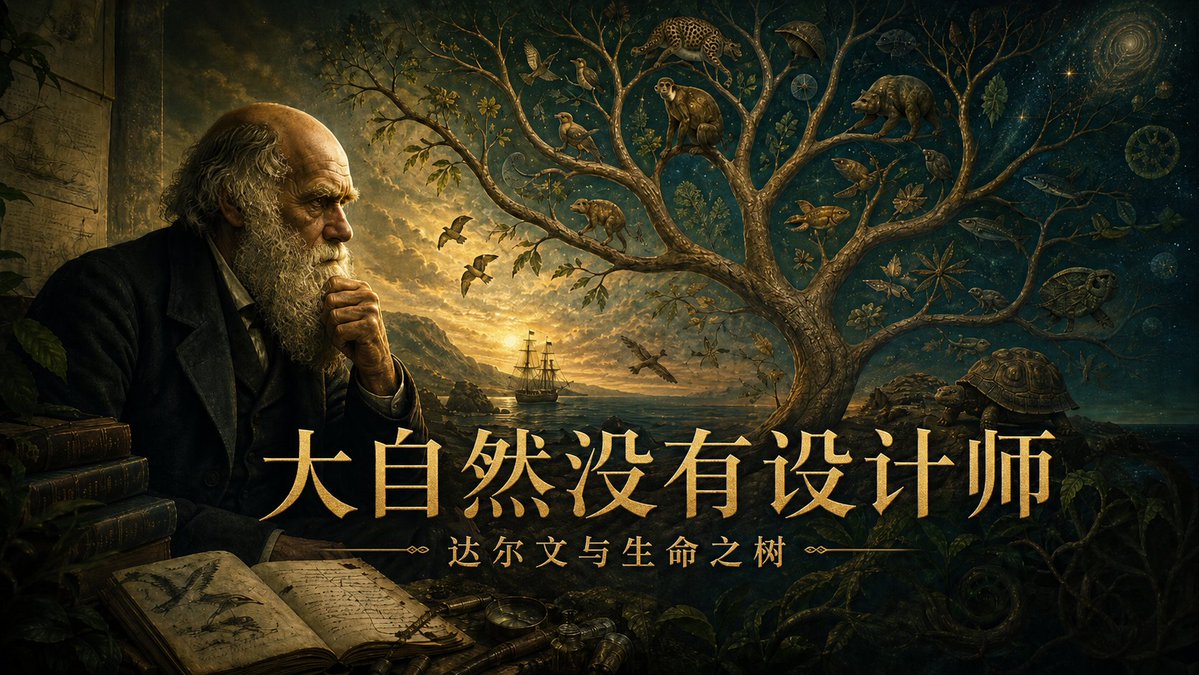
Darwin Tree of Life Podcast Cover
浏览
68
Camera Control
Create a cinematic 16:9 podcast cover illustration in a dark Renaissance natural-history style, like an antique oil painting mixed with fantasy scientific engraving. On the left, show an elderly Victorian-era naturalist resembling Charles Darwin seated in shadow beside stacked leather-bound books, an open sketchbook full of botanical and animal notes, loose papers, brass instruments, and a dim study wall; his face is intentionally covered by a plain vertical brown rectangular block as if redacted. The center and right side open into a glowing seascape at sunset with a sailing ship near distant cliffs, birds in flight, and a huge symbolic tree of life whose twisting branches fill the sky. In the branches place exactly 13 visible natural-history elements: a jaguar or leopard, a monkey, a bear-like mammal, a perched bird, two small birds together, a pangolin-like animal, a fox or small canine, a sea turtle, a large tortoise, a fish, a lizard or reptile, a spiral shell, and a star-shaped botanical specimen. The right background should transition into a deep cosmic blue night sky with stars, a spiral galaxy, circular scientific diagrams, fossils, leaves, insects, roots, and ocean creatures, suggesting evolution, biodiversity, and cosmic time. Use dramatic chiaroscuro lighting, warm gold highlights, teal-green shadows, intricate engraved details, painterly textures, and a mysterious scholarly atmosphere. Across the lower center place large elegant gold Chinese title text {argument name="headline text" default="大自然没有设计师"}, with smaller gold subtitle text beneath it {argument name="subtitle text" default="达尔文与生命之树"}, flanked by thin ornamental divider lines and small decorative flourishes. Keep the typography crisp, centered, luxurious, and readable, like a premium science-history podcast cover. Overall palette: antique amber, dark forest green, deep teal, black, and luminous gold; high detail, cinematic composition, no modern objects.
这是 Orelon 提示词库里的一条免费 AI 提示词。这里还有成千上万条图像提示词,都能免费复制和改用。
探索更多图像提示词





准备好就开始
从这条精选创作方向开始,在 Orelon 中塑造你的下一张视觉作品。